
Rate Lookup and Attendance apps together
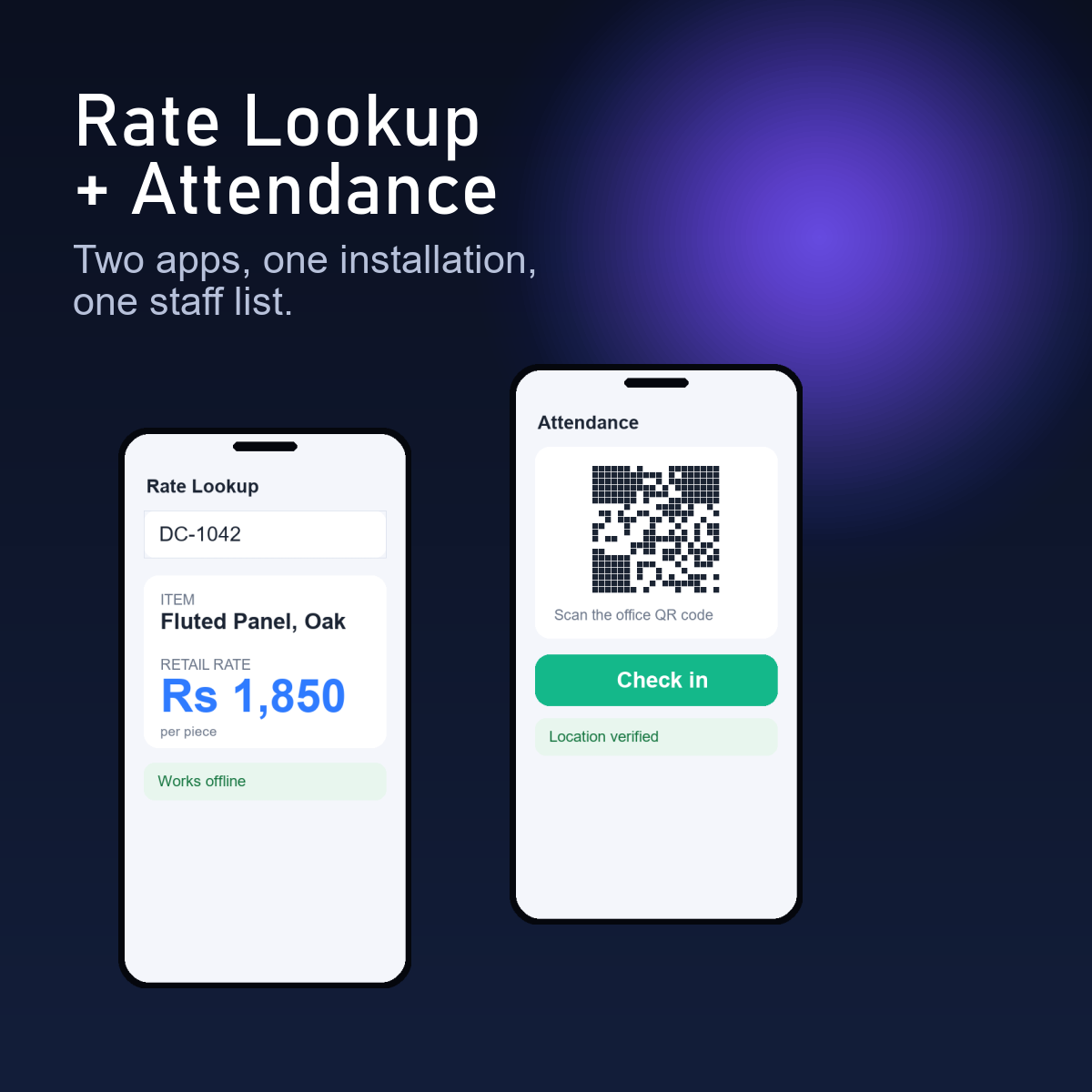
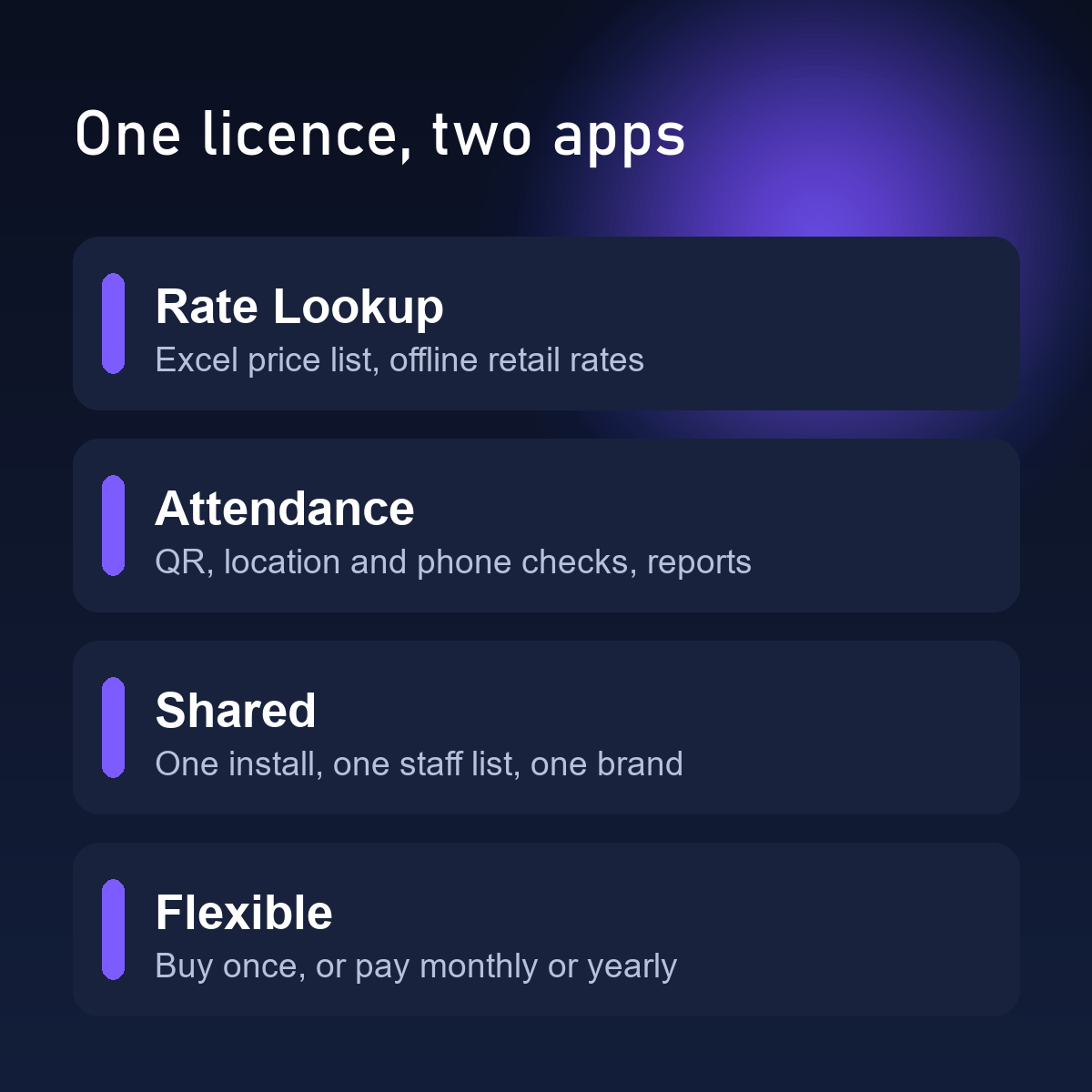
Both apps on one installation with one staff list. Add staff once, use the rate lookup at the counter and attendance at the door.
- Your name, logo and colours
- Buy once or subscribe
- Email-verified licence
What you get
Shops and small businesses that want both: a quick rate lookup for the sales floor and a trustworthy attendance record for the team.
Your Excel price list
Upload the sheet you already keep. Column headings such as item code, name and rate are recognised, and you can export it again any time.
Instant retail rate
Staff type an item code (or the start of one) and see the item and its retail rate. Results are limited to what matters, so the screen stays quick.
Works offline
The price list is kept on the phone, so a weak signal in the godown or showroom does not stop a sale.
Scan the office QR code
Staff scan the QR code you display at the office to mark in and out. Lunch out and back are supported.
Location and phone checks
The scan counts only near the office (you set the allowed distance) and from the phone registered to that person.
Daily board and month view
See who is in today, who is late, and a month view for every person, with half days and weekly offs worked out from your rules.
How you get it
- Choose your plan and order here. We check your email address with a code and you accept the terms.
- Pay by UPI. We confirm the payment and email your licence.
- Install on your web hosting (PHP 8.2 or newer with MySQL; about 15 minutes, step by step guide included).
- Open the activation screen, add your licence and type the code we email to you. Sign in and set it up.
Your files
You receive the app files, an install guide and your licence key by email. Your data stays on your own hosting. If you need help installing, message us on WhatsApp.
How to use it
Set up (owner)
- Install once. Activate with your licence.
- Import your Excel price list under Products, add item photos under Pictures, and set the office, shifts and grace under Attendance > Settings.
- Add your staff once under Users. The same people use both apps.
- Set what staff may see under Staff view, and your name, logo and colours under Branding.
Every day (staff)
- Sign in once on the phone.
- Use Rate Lookup at the counter: type a code, see the rate.
- Scan the office QR code to mark attendance.
Make it yours
Everything below is changed from the owner screens. No code to edit.
| App name, logo, icon, colours | Admin > Branding. The same look for both apps. |
| What staff can see | Admin > Staff view. Supplier details are hidden from staff. |
| Your price list | Any Excel sheet with your own columns. |
| Your attendance rules | Office distance, shifts, grace, lunch, weekly off and holidays. |
| Android apps | Android apps with your name and icon can be built for you. Ask us. |
Plans
Prefer not to pay everything upfront? Subscribe monthly or yearly. Prices are in rupees.
If a subscription ends you get a grace period, then staff are locked out. Nothing is deleted, and you can still sign in as the owner, export your data and renew. Read the terms and conditions before you order.
Questions
How is the bundle priced?
It has its own price, shown in the plans below. Compare it with the two single apps before you choose.
Do both apps share the staff list?
Yes. You add each person once.
Can I start with one and add the other later?
Yes. Message us on WhatsApp and we will help you move to the bundle.
Do I need an Android app?
No. Both work in the phone browser and can be added to the home screen. Android apps with your own name and icon can be built for you.
What do I need to run it?
A web host with PHP 8.2 or newer and MySQL (ordinary shared hosting is fine), a domain or subdomain, and an email address you can read.
What happens if I stop paying a subscription?
You get a grace period. After it, staff are locked out, but nothing is deleted and you can still export your data and renew.
Ready to try Rate Lookup + Attendance?
Order in a few minutes. Your licence is emailed as soon as the payment is confirmed.